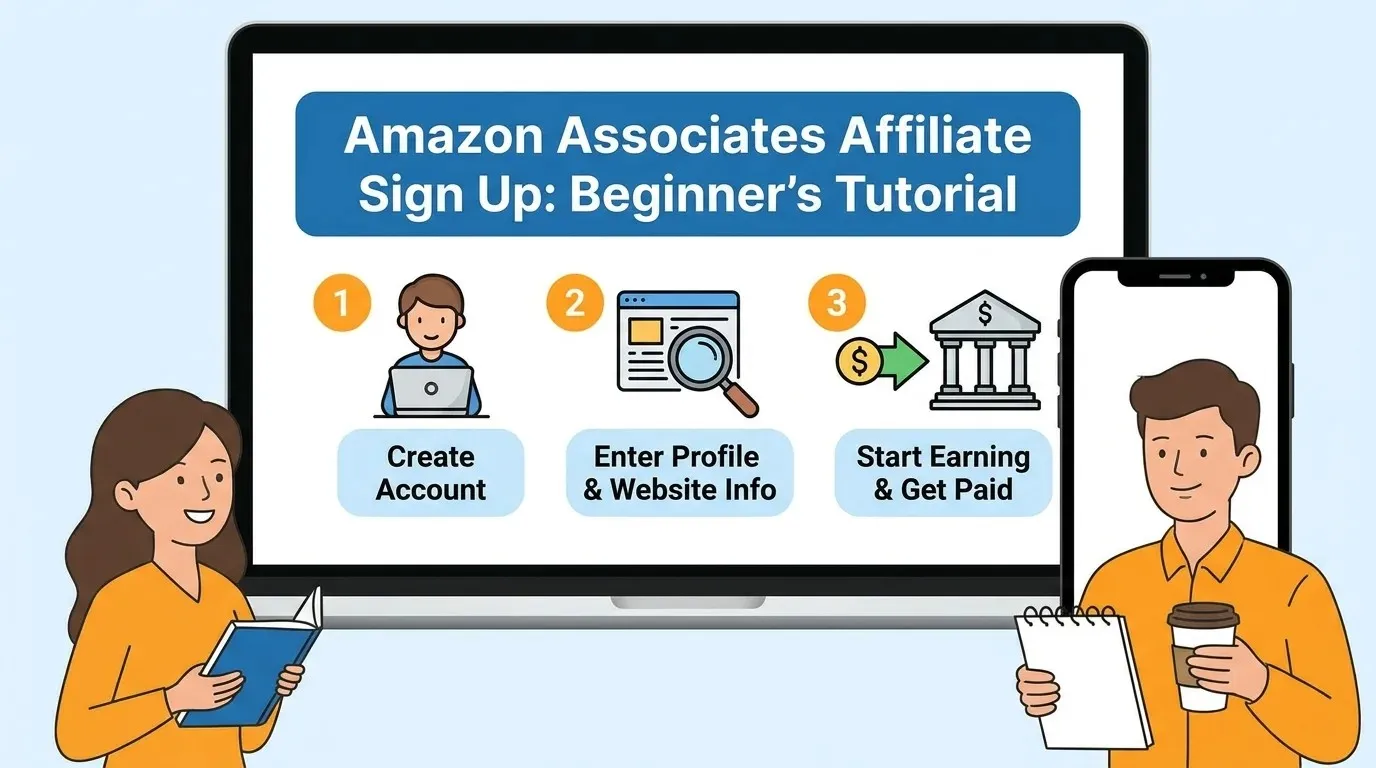
Easy Affiliate Marketing Amazon Sign Up Tutorial for Beginners 2026
Table of Contents
Affiliate Marketing Amazon offers a highly accessible and potentially lucrative entry point for beginners looking to monetize their online presence. As one of the world’s largest and most reputable e-commerce platforms, Amazon’s Affiliate Program, officially known as Amazon Associates, allows individuals and businesses to earn commissions by promoting millions of products to their audience. This comprehensive tutorial will guide aspiring affiliate marketers through the entire process, from understanding the core concepts to successfully signing up, creating links, and employing effective strategies to maximize earnings, all while ensuring compliance with Amazon’s rigorous guidelines. For those new to the concept, affiliate marketing is a performance-based marketing strategy where a business rewards one or more affiliates for each visitor or customer brought by the affiliate’s own marketing efforts.

Understanding Amazon Affiliate Marketing
The Amazon Associates program, established in 1996, is widely recognized as a pioneering and highly successful online affiliate marketing initiative. It provides a mechanism for content creators, publishers, bloggers, and social media influencers to earn a commission by directing their audience to products available on Amazon. The process is straightforward: affiliates sign up, receive unique tracking links for chosen products, and when a customer clicks on these links and makes a qualifying purchase on Amazon within a specific timeframe (typically 24 hours), the affiliate earns a percentage of that sale.
For beginners, the Amazon Associates program presents several compelling advantages. Firstly, the sheer breadth of products on Amazon means there is a suitable niche for almost any content creator, from tech reviewers to lifestyle bloggers. Secondly, Amazon’s global brand recognition and customer trust often lead to higher conversion rates, as consumers are generally comfortable purchasing from the platform. Lastly, the program is free to join, making it a low-risk entry point into the world of affiliate marketing. While commission rates can vary significantly by product category, ranging from 1% to 10%, the potential for passive income, especially with high-ticket items or consistent sales volume, is substantial.
Essential Requirements Before You Begin
Before diving into the sign-up process, it’s crucial to understand the prerequisites set by Amazon for its Associates program. Meeting these requirements is vital for approval and long-term participation.
- Active Online Platform: Amazon requires applicants to have a live and accessible platform where they intend to promote products. This can be a website, blog, mobile app, or a social media account (e.g., YouTube channel, TikTok, Instagram, or Facebook fan page). The platform cannot be “under construction” or filled with placeholder content.
- Original, High-Quality Content: Your chosen platform must feature robust, original, and high-quality content that is relevant to the products you plan to promote. Amazon looks for sites that add value by providing unique insights or experiences not available elsewhere. A good rule of thumb is to have at least 10 posts or substantial content published before applying.
- Public Accessibility: All content on your platform must be publicly available. Private, password-protected sites, or closed social media groups will not qualify. For social media, accounts must be public with a “substantive number of organic followers/likes,” typically at least 500.
- Age and Legal Requirements: Applicants must be 18 years or older. You also need a valid tax ID number or Social Security number (for US residents) and a valid mailing address and bank account in the country where you plan to promote Amazon products.
- Initial Sales Requirement: A critical requirement is to generate at least three qualifying sales within the first 180 days of approval. Personal orders do not count towards this threshold. Failure to meet this can result in the withdrawal of your application and access to the Associates Central dashboard.

Step-by-Step Amazon Associates Sign-Up Process
The application process for the Amazon Associates program is designed to be straightforward, though thorough. Here’s a detailed breakdown:
- Visit the Amazon Associates Homepage: Begin by navigating to the official Amazon Associates homepage, typically found at affiliate-program.amazon.com. Click the “Sign Up” button to start your application.
- Log In or Create an Amazon Account: You will be prompted to sign in with an existing Amazon account or create a new one if you don’t have one already.
- Enter Your Account Information: Provide your personal details, including your full name (which should match the name that will appear on any checks), your mailing address, and your phone number. Amazon will ask who the main contact for the account is, and you typically select “The payee listed above”.
- List Your Websites, Mobile Apps, or Social Media Pages: In this crucial step, you must enter the exact URLs of all websites, mobile applications, or social media profiles you intend to use for promoting Amazon products. Ensure these platforms meet the content and activity requirements mentioned in the previous section (e.g., at least 10 posts, 500+ social media followers, publicly accessible).
- Confirm Children’s Content: Amazon will ask if any of your listed traffic sources are directed primarily at children under 13. You should select “No” unless your content explicitly targets this age group, as Amazon has strict rules against targeting minors with affiliate links.
- Choose Your Associates Store ID: You’ll then be asked to choose a unique Associates Store ID (also known as a Tracking ID or affiliate tag). This acts as your username and is vital for tracking your earnings and sales. If your preferred ID isn’t available, Amazon may suggest alternatives.
- Describe Your Content and Traffic Generation: This section requires you to explain the type of content you create and how you plan to drive traffic to Amazon. Be as descriptive as possible, detailing your niche, content strategy (e.g., product reviews, how-to guides), and promotional methods (e.g., SEO, social media). This information helps Amazon assess if you’re a good fit for the program.
- Complete the Captcha and Agree to Terms: Fill out the security captcha and carefully review Amazon’s Operating Agreement. You must confirm that you agree to their terms and conditions to proceed.
- Initial Approval: Upon submission, you’ll often receive immediate provisional approval. However, Amazon will conduct a thorough review of your application once you have generated at least three qualifying sales within the initial 180 days.
Navigating the Amazon Associates Dashboard
Once you are provisionally accepted into the program, you gain access to the Amazon Associates Central dashboard. This is your command center for managing your affiliate activities. The dashboard provides a comprehensive overview of your performance, including your earnings, monthly summaries, and total clicks generated through your links.
Key sections you’ll find include:
- Performance Overview: This section displays your real-time earnings, clicks, and conversion rates, allowing you to monitor the effectiveness of your promotional efforts.
- Earnings Reports: Detailed reports help you track commissions by product category, order, and time period. Analyzing these reports is crucial for identifying top-performing products and content strategies.
- Link-Building Tools: The dashboard offers various tools for creating affiliate links, which we will discuss in the next section.
- Payment History: You can view your past payments and track upcoming disbursements.
- Account Settings: Here, you can update your personal information, payment methods, and tax details.
Creating Your First Amazon Affiliate Links
Generating unique affiliate links is fundamental to the Amazon Associates program. Amazon provides user-friendly tools to create these links effortlessly:
- SiteStripe: This is arguably the easiest and most convenient tool for creating links directly from Amazon.com. Once logged into your Associates account, a SiteStripe bar will appear at the top of any Amazon product page you visit.
- To create a text link, click “Get Link: Text” on the SiteStripe bar. You can choose between a short link or a full link.
- For an image link, select “Image” to generate HTML code for the product’s image, which you can embed on your platform.
- The “Text+Image” option combines both for a more visually appealing and informative link.
- You can also link to any Amazon page (not just product pages) using SiteStripe’s “Link to Any Page” option.
- Associates Central Product Linking Tools: Within the Associates Central dashboard, you can find more advanced product linking tools under the “Product Linking” tab. Here, you can search for products by keyword or ASIN (Amazon Standard Identification Number) and generate customized links.
- Mobile GetLink: For those on the go, the Amazon mobile shopping app also offers a “Mobile GetLink” feature. Log in with your Associate credentials, find the product, click the Share icon, select your Associate ID, and copy the link.
Always ensure your affiliate links include your unique tracking ID so that Amazon can properly attribute sales to your account.
| Product Category | Commission Rate (Approximate) |
|---|---|
| Amazon Games | 10% |
| Luxury Beauty, Amazon Explore | 10% |
| Digital Music, Physical Music, Handmade, Digital Videos | 5% |
| Physical Books, Kitchen, Automotive, Sports, Outdoors, Health & Personal Care | 4.5% |
| Home, Home Improvement, Lawn & Garden, Pets, Pantry | 3% |
| Electronics, Computers, PC Components, PC Gaming | 2.5% |
| Televisions, Digital Video Games | 2% |
| All Other Categories | 4% |
| Amazon Fresh, Grocery | 1% |
Strategies for Successful Promotion
Simply signing up and getting links is only the first step. To generate significant earnings, you need effective promotional strategies. The most successful Amazon affiliates focus on providing value to their audience and optimizing their content for conversions.
- Choose a Niche Strategically: Instead of trying to promote everything, focus on a specific niche that aligns with your expertise and audience interests. A narrower niche allows you to create more targeted and valuable content, leading to higher conversion rates. Consider product categories with decent commission rates and high demand.
- Create High-Quality, Engaging Content: Content is king in affiliate marketing. Develop compelling, informative, and engaging content centered around the products you endorse.
- Product Reviews: In-depth, honest reviews that highlight pros, cons, and user experiences are highly effective. Sharing how long you’ve used a product and your expertise can build credibility.
- Comparison Guides: Posts comparing similar products help users make informed decisions.
- “How-To” Guides and Tutorials: Integrate products naturally within guides that solve a problem or teach a skill relevant to your niche.
- “Best Of” Lists: Curated lists of top products in a category can attract buyers actively seeking recommendations.
- Optimize Your Content for SEO: To attract organic traffic, optimize your content with relevant keywords. Conduct keyword research to understand what your target audience is searching for and create content that answers their queries and guides them towards purchasing decisions.
- Strategic Link Placement: Integrate affiliate links naturally within your content where they seamlessly fit and enhance the user experience. Avoid excessive linking, which can appear spammy. Consider placing links in:
- Contextual mentions within text.
- Call-to-action buttons (e.g., “Check Price on Amazon”).
- High-quality product images.
- Comparison tables.
- Leverage Social Media: Promote your content across various social media channels where your target audience is active. You can share links to your blog posts or review videos, but be mindful of Amazon’s rules against direct affiliate links in certain channels like email. For social media, add links to your website in your bio and direct followers there for full details and affiliate links.
Understanding Payments and Tax Information
Getting paid is the ultimate goal of affiliate marketing. Amazon Associates offers several payment methods and has specific thresholds and tax requirements that affiliates need to understand.
Payment Frequency: Amazon pays commissions on a monthly basis. Payments are typically processed approximately 60 days after the end of the month in which the sales were generated. For example, earnings from January would be paid out around the end of March.
Payment Methods Available: Affiliates have a few options for receiving their earnings, though availability can vary by country.
- Direct Deposit (Bank Transfer): This is generally the most common, fastest, and most convenient method. You’ll need to provide your bank name, account number, routing number (for US banks), and the name of the primary account holder. For international transfers, IBAN (International Bank Account Number) and BIC (Bank Identifier Code) may be required.
- Amazon Gift Certificate: You can opt to receive your commissions as an Amazon Gift Certificate. An email with the gift card claim code will be sent to your account’s email address.
- Check: A physical check can be mailed to your registered address. However, this method often incurs a processing fee (e.g., $15 in the US) and has a higher minimum payout threshold.
Minimum Payment Thresholds: Amazon will not issue payment until your accumulated earnings reach a certain minimum amount.
- For Direct Deposit and Amazon Gift Certificates, the minimum payout threshold is typically $10 (or INR 1,000 in India).
- For payments by check, the minimum threshold is usually $100 (or INR 2,500 in India).
If your earnings for a given period fall below the threshold, the amount will roll over to the next month until it reaches the minimum.
Tax Information: Completing your tax interview is a mandatory step to ensure you receive payments.
- For US Citizens: You will typically need to complete a W-9 form.
- For International Affiliates: You will generally complete a W-8BEN form.
It’s crucial to provide accurate tax information to comply with IRS regulations and avoid any delays in receiving your commissions. This information can usually be updated in the “Account Settings” section of your Associates Central dashboard.
Maintaining Compliance and Best Practices
To ensure long-term success and avoid potential account suspension, it is paramount to adhere strictly to Amazon’s Operating Agreement and Program Policies. Violations can lead to immediate account closure and loss of earned revenue.
- Clear Disclosure of Affiliate Relationship: This is a non-negotiable requirement. You must clearly and conspicuously disclose your affiliate relationship on any page or platform where you use Amazon affiliate links. Amazon mandates the exact phrase: “As an Amazon Associate, I earn from qualifying purchases”. This statement should be prominently displayed, typically in your footer, sidebar, or directly adjacent to your affiliate links. Transparency builds trust with your audience.
- No Static Pricing: You are generally not allowed to display static pricing information for Amazon products on your site, as prices can change frequently. Instead, you should use Amazon’s official tools (like product advertising API or SiteStripe) to display dynamic prices, or use phrases like “Check Price on Amazon”.
- Prohibited Link Usage:
- No Cloaking or Obscuring Links: Affiliate links must clearly show they lead to Amazon. You cannot cloak, hide, or shorten links in a way that disguises their Amazon destination.
- No Use in Offline Promotions: Affiliate links cannot be used in offline materials, PDFs, eBooks, or email directly. While you can use email to drive traffic to your content (which then contains affiliate links), you cannot embed the links directly into emails.
- No Pop-ups, Pop-unders, or Transitional Page Ads: Affiliate links or content promoting Amazon sites are prohibited within these intrusive ad formats.
- No Incentives for Clicks: You cannot offer any person or entity any consideration or incentive (e.g., money, rebates, discounts, points) for using Special Links.
- Privacy Policy: Your website or platform must have a clear and comprehensive privacy policy that informs users about data collection and usage, including the use of third-party tracking like Amazon’s.
- No Targeting Children Under 13: Amazon’s program explicitly prohibits targeting users under 13 years of age. Content focused on minors with affiliate links, or collecting data from them, is a violation.
- Keep Site List Updated: Ensure the list of sites you provided during your application is always current in your Associates account settings. Amazon reviews these platforms, and having outdated or unlisted sites can lead to issues.
- Avoid Trademark Misuse: Do not use Amazon’s trademarks, logos, or customer reviews in a way that might misrepresent your relationship with Amazon or mislead customers.
Staying compliant is not just about avoiding penalties; it’s about building and maintaining trust with your audience, which ultimately drives more clicks and conversions.
Conclusion
Affiliate marketing through the Amazon Associates program offers a fantastic opportunity for beginners to enter the world of online monetization. While the process of signing up is relatively straightforward, true success hinges on understanding and diligently adhering to Amazon’s requirements, creating high-quality, valuable content for a targeted audience, and employing smart promotional strategies. By focusing on your niche, producing engaging reviews and guides, optimizing for search engines, and always maintaining transparency and compliance, you can build a sustainable and profitable income stream. The journey requires dedication and continuous learning, but with Amazon’s vast product catalog and trusted brand, the potential for growth and earning a steady passive income is well within reach for those committed to providing genuine value to their audience.